Cancel DIRECTV STREAM: Your Easy Guide to Ending Service
In today's dynamic world of streaming, flexibility is king. While DIRECTV STREAM offers a robust package of live TV and on-demand content, there comes a time for many subscribers to move on. Whether you've found a better deal, no longer need the service, or are simply looking to cut down on monthly expenses, knowing how to cancel DIRECTV STREAM is crucial to ensure a smooth exit without unexpected fees or hassles. This comprehensive guide will walk you through every step of the cancellation process, from understanding their policies to returning equipment, empowering you to end your service confidently.
Understanding DIRECTV STREAM's Cancellation Policy
Before you make that call or click that button, it's essential to familiarize yourself with DIRECTV STREAM's cancellation policy. Knowing what to expect regarding refunds, fees, and device returns can save you time, money, and frustration. Their policy distinguishes between cancellations within a specific timeframe and those after it, as well as implications for customers with service contracts or purchased devices.
The 14-Day "Grace Period" for Full Refunds
DIRECTV STREAM offers a critical 14-day window that every subscriber should be aware of. If you decide to cancel DIRECTV STREAM service within 14 days of purchase, you are eligible to receive a full refund of all fees and charges paid up to that point. This "grace period" is designed to allow new customers to try the service without long-term commitment. This policy applies to both the streaming service itself and any directly purchased DIRECTV STREAM devices.
- For Service: Cancel within 14 days for a full refund of all service fees.
- For Purchased Devices: Return the device, undamaged, within 14 days for a full refund. This includes devices paid in full or those on an installment plan. Failing to return an installment plan device timely or returning a damaged one can result in automatic charges for the outstanding balance.
Pro Tip: Mark your calendar for this 14-day deadline immediately after signing up. If you're unsure, this window is your best opportunity to cancel without financial repercussions.
Cancelling After 14 Days: What You Need to Know
The rules change significantly if you decide to cancel your DIRECTV STREAM service after the initial 14-day period. For most month-to-month subscribers, the primary impact is that you will not receive any refund or credit for any partial-month period or unwatched content. Your service will typically continue until the end of your current monthly billing cycle, after which it will terminate.
However, if you purchased DIRECTV STREAM service with a 2-year contract, the implications are more severe:
- Early Termination Fee (ETF): If you are subject to a term commitment and cancel after 14 days, you will be required to pay an Early Termination Fee. This fee can vary but is a significant factor to consider when evaluating your options.
- Device Non-Return Fee: If your DIRECTV STREAM service included a device at no additional cost as part of a 2-year agreement, you are obligated to return this device within 14 days of your original purchase date. Failure to return the device within this period, or returning a damaged device, will result in a non-return fee of $120. This fee can be charged directly to your payment method on file.
Understanding these potential costs is crucial for anyone looking to Stop DIRECTV STREAM & Avoid Fees: Refund and Device Return Guide, especially those on a contract.
Step-by-Step: How to Cancel DIRECTV STREAM Service
The primary and most reliable method for ending your DIRECTV STREAM service involves direct communication with the company. While some users might look for an entirely self-service online option, contacting customer support is often the definitive path to ensure your account is properly closed and you avoid any lingering charges.
The Official Method: Contacting Support
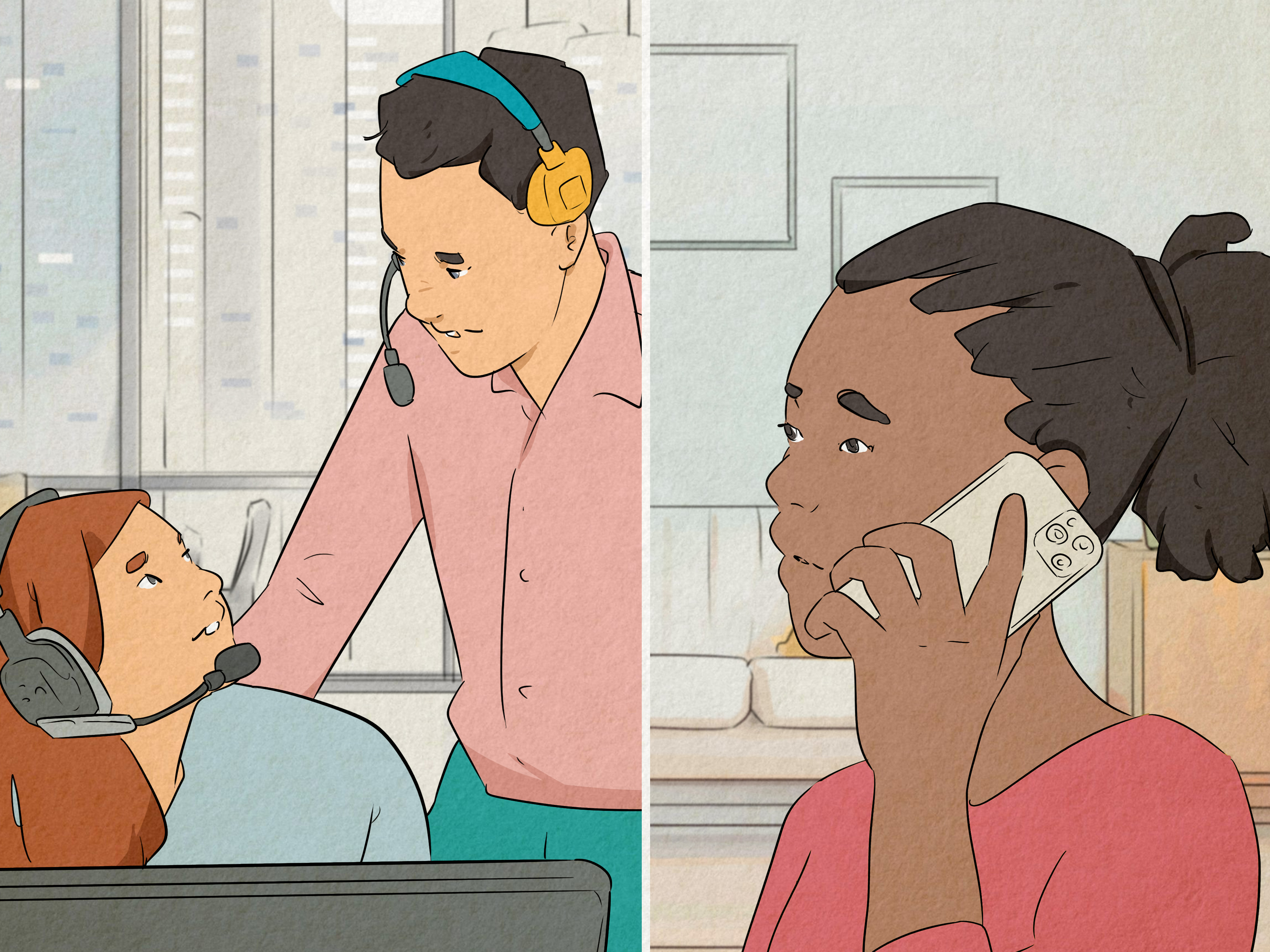
To officially cancel DIRECTV STREAM service, the account owner must contact DIRECTV STREAM customer support. It's not a process that can be initiated by just anyone; you must be the primary account holder.
- Gather Your Information: Before calling, have your DIRECTV STREAM user ID (typically your email address) readily available. This will help the representative quickly locate your account.
- Call Customer Service: Locate the appropriate customer service number on the DIRECTV STREAM website. Be prepared for potential wait times, especially during peak hours.
- State Your Intent Clearly: Once connected with a representative, clearly state that you wish to cancel your DIRECTV STREAM service.
- Address Retention Offers (Optional): Be aware that customer service representatives are often trained to offer incentives or discounts to retain customers. If you're open to staying, this might be an opportunity to negotiate a lower price. If your decision is firm, politely decline these offers.
- Confirm Cancellation Details: Ensure you understand when your service will officially end (typically at the end of your current billing cycle) and if any early termination fees or device return instructions apply. Ask for a confirmation number or email verifying your cancellation.
Once your service is canceled, you can usually continue accessing it through the end of your monthly billing cycle, providing you with full value for the period you've paid for.
Online Cancellation and Alternative Paths
While the official documentation emphasizes contacting support, some users have reported an online cancellation path that might be available or used to trigger retention offers. It's worth exploring this avenue first, as it could be quicker or present opportunities for discounts without a phone call.
- Access Your Account: Log in to your DIRECTV STREAM account on their website.
- Navigate to Settings: Look for a gear symbol (⚙️) or "Settings" in the top right corner of the page.
- Find Account Details: Click on "Account Details," usually located above your User ID/email address.
- Manage Subscription: Select "Manage subscription."
- Initiate Cancellation: Scroll to the bottom of the page and look for a link or button stating "I want to cancel" or similar.
- Continue to Cancel: Follow the prompts, which might include selecting "Continue to cancel." This step could also present options to pause your service or offer alternative packages.
If you don't find this online option or if it merely leads to a prompt to call customer service, then the direct phone call remains the most effective method for ensuring your DIRECTV STREAM subscription is truly terminated.
Navigating Device Returns and Avoiding Fees
One of the most overlooked aspects of ending DIRECTV STREAM service is the proper handling of devices. Whether you purchased a device outright or received one as part of a contract, failing to return it correctly can lead to unexpected charges. To effectively How to Cancel DIRECTV STREAM: Policy, Refunds, and Device Returns, device management is key.
Returning Purchased Devices (Standalone)
If you purchased a DIRECTV STREAM device separately (not as part of a 2-year contract that included a "free" device), you have 14 days from the purchase date to return it for a full refund. The device must be returned without damage.
- For Devices Paid in Full: A full refund will be issued once the undamaged device is returned within the 14-day period.
- For Devices on Installment Plans: A full refund will be issued upon timely return of the undamaged device. If you fail to return it on time or return a damaged device, you will be automatically charged for the outstanding balance, as per your retail installment agreement.
Returning Contract-Included Devices
This specifically applies if you signed up for DIRECTV STREAM with a 2-year agreement and received a DIRECTV STREAM device at no additional cost. To avoid a $120 non-return fee, this device must be returned within 14 days of your original service purchase date, and it must be undamaged.
Where and How to Return Your Device
The method of return depends on how you originally received your device:
- Devices Picked Up at an AT&T Store: These devices should be returned directly to the same AT&T store where they were initially picked up, within the 14-day period.
- Devices Received by Mail: If your device was shipped to you, you can return it via mail within 14 days of the shipment date. Look for a return label provided in the original packaging. If you no longer have it, contact DIRECTV STREAM customer service to request a new return label.
- Devices Received from an Authorized Dealer: For devices obtained through an authorized dealer, returns can typically be made either via United States Postal Service mail or by returning it to an authorized AT&T store or designated return location. Confirm the specific return process with the dealer or DIRECTV STREAM support.
Crucial Tip: Always keep proof of return, such as a shipping tracking number or a receipt from the store. It's also wise to take photos or videos of the device's condition before packaging it for return. This documentation can be invaluable if there's any dispute about the return.
Important Considerations Before You Cancel
Before you commit to cancelling, take a moment to review these additional points that could affect your decision or the process itself.
- Contract Status Verification: Double-check your account details to confirm whether you are on a month-to-month plan or a 2-year contract. This is the single most important factor determining potential Early Termination Fees.
- Billing Cycle Timing: Your service usually continues until the end of your current billing cycle. Consider canceling shortly after a new billing cycle begins to maximize your use of the service you've already paid for, or just before a new one starts if you want to ensure no charges for the next month.
- Retention Offers: As mentioned, DIRECTV STREAM values its customers. When you indicate an intent to cancel, you might be offered discounts, upgraded packages, or other incentives to stay. Be prepared to either accept a favorable offer or politely decline if your decision to leave is final.
- Account Information: Having your DIRECTV STREAM User ID (email address) and potentially your account number handy will make the cancellation call much smoother and quicker.
- Alternative Streaming Services: If you're cancelling DIRECTV STREAM to explore other options, it might be beneficial to research and perhaps even sign up for a trial of a new service *before* you fully cancel DIRECTV STREAM. This ensures you have a seamless transition and continuous access to your favorite content.
Conclusion
Deciding to cancel DIRECTV STREAM doesn't have to be a daunting task. By understanding their cancellation policy, following the correct steps for service termination, and diligently handling any associated devices, you can ensure a smooth and fee-free exit. Remember the critical 14-day window for refunds, be aware of Early Termination Fees if you're under contract, and always get confirmation of your cancellation. With this guide, you're well-equipped to manage your DIRECTV STREAM service and confidently move on to your next streaming adventure.